
Selvam from Madurai had joined TVK in 2024 when it was just a new party. He had his digital membership card saved on his phone. When TVK won the 2026 Tamil Nadu Assembly Election and Vijay became Chief Minister, Selvam shared his card on WhatsApp. “Naan TVK family,” he said. His card was his proof.
Tamilaga Vettri Kazhagam (TVK) — founded February 2, 2024 by C. Joseph Vijay — is now Tamil Nadu’s ruling party after winning the 2026 Assembly Election. With Vijay as Chief Minister, TVK membership has taken on new significance. Over 1.5 crore people have already registered as TVK members across Tamil Nadu.
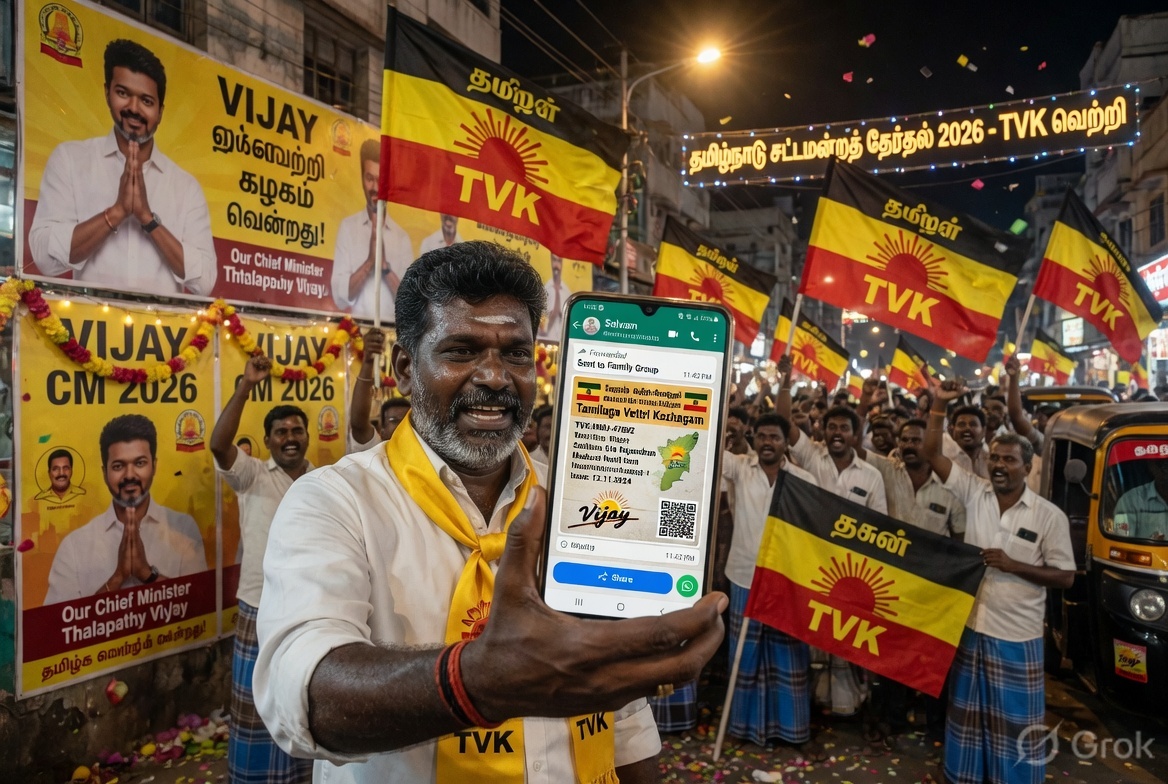
Official: 👉 tvk.family | WhatsApp: 9444005555
💡 Quick Answer: TVK Membership Card apply:
🏆 TVK ELECTION WIN UPDATE — May 2026: > TVK ne Tamil Nadu election jeeta! Vijay > CM bane. TVK membership ab ruling party > ki membership hai. > Current members: 1.5 crore+ > Target: 2 crore members
4 methods — My TVK App (primary), tvk.family website, , or Telegram Card download: My TVK App → login → Download Card Required: Mobile number + Voter ID (EPIC number) + Photo/Selfie Free: No fee charged WhatsApp: Send “TVK” to +91 9444005555 App: Search “My TVK” on Play Store Tamil: tvk உறுப்பினர் சேர்க்கை
TVK — 2026 Update
Tamilaga Vettri Kazhagam (தமிழக வெற்றிக் கழகம் — Tamil Nadu Victory Party) was founded on February 2, 2024. In the 2026 Tamil Nadu Assembly Election, TVK emerged as the single largest party, winning 108 out of 234 seats. C. Joseph Vijay became the Chief Minister of Tamil Nadu.
TVK is now Tamil Nadu’s ruling party. Membership in TVK means being part of the party that governs the state.
Slogan: “Pirappokkum Ellaa Uyirkkum” (பிறப்பொக்கும் எல்லா உயிர்க்கும்) — All are equal by birth.
Membership drive target: 2 crore members | Current members: 1.5 crore+
Method 1: My TVK App — Best Method
The My TVK official mobile app is now the primary and recommended method for membership registration and card download.
Download the app:
- Android: Google Play Store → search “My TVK” → download official app
- iOS: App Store → search “My TVK”
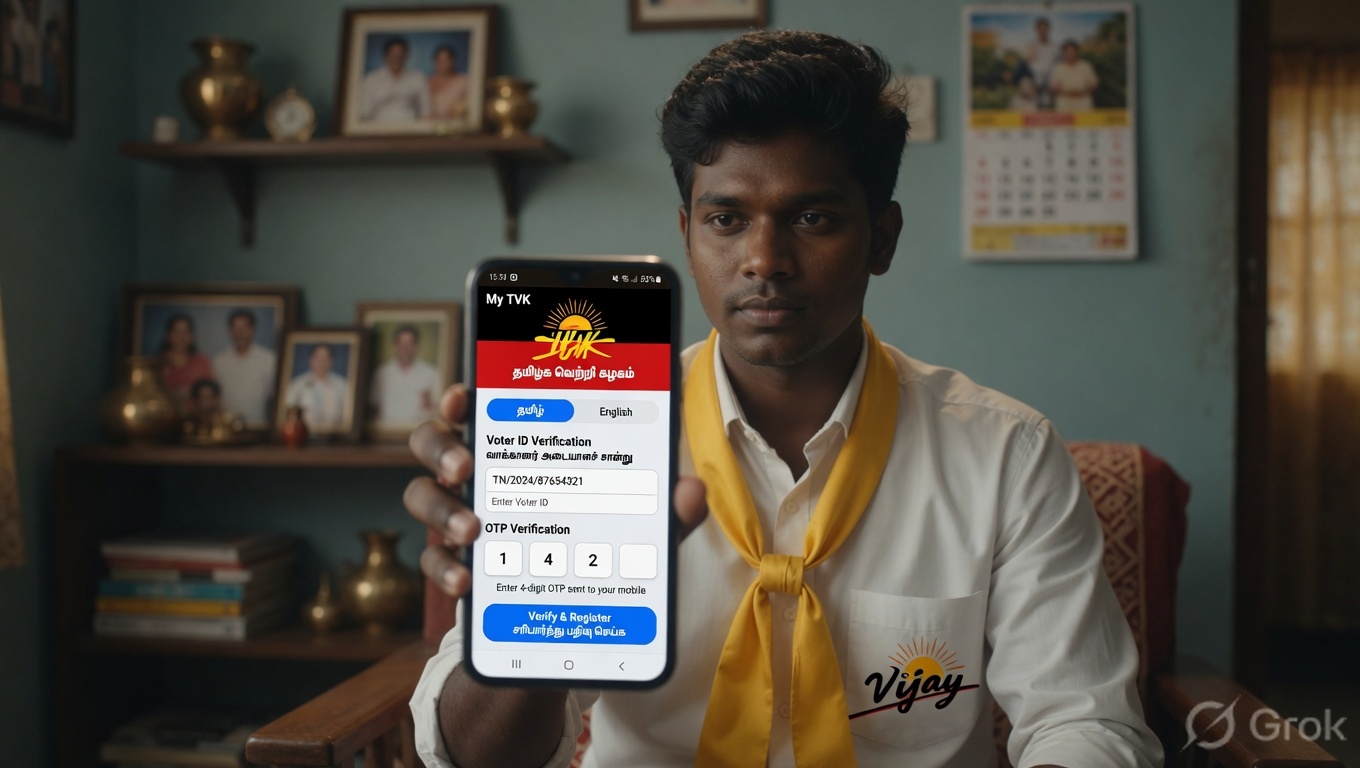
Registration via app:
Step 1: Open My TVK app → select language (Tamil/English)
Step 2: Enter your 10-digit mobile number → click Send
Step 3: Enter the OTP received on your mobile → verify
Step 4: Enter your Voter ID (EPIC number) — this maps you to your correct district, constituency, and booth
Step 5: Take a live selfie or upload a photo from gallery
Step 6: Your details auto-populate from Election Commission records — verify name, district, constituency, ward
Step 7: Submit → TVK Membership Card generated instantly
Step 8: Download your digital card as PDF from the app dashboard
If you notice wrong address or ward on your card — log into My TVK app → Profile → update details. The system uses your Voter ID’s registered address, so if you updated your Voter ID address recently, it may not reflect immediately.
Method 2: tvk.family Website
For desktop or laptop users — or those who prefer browser over app.
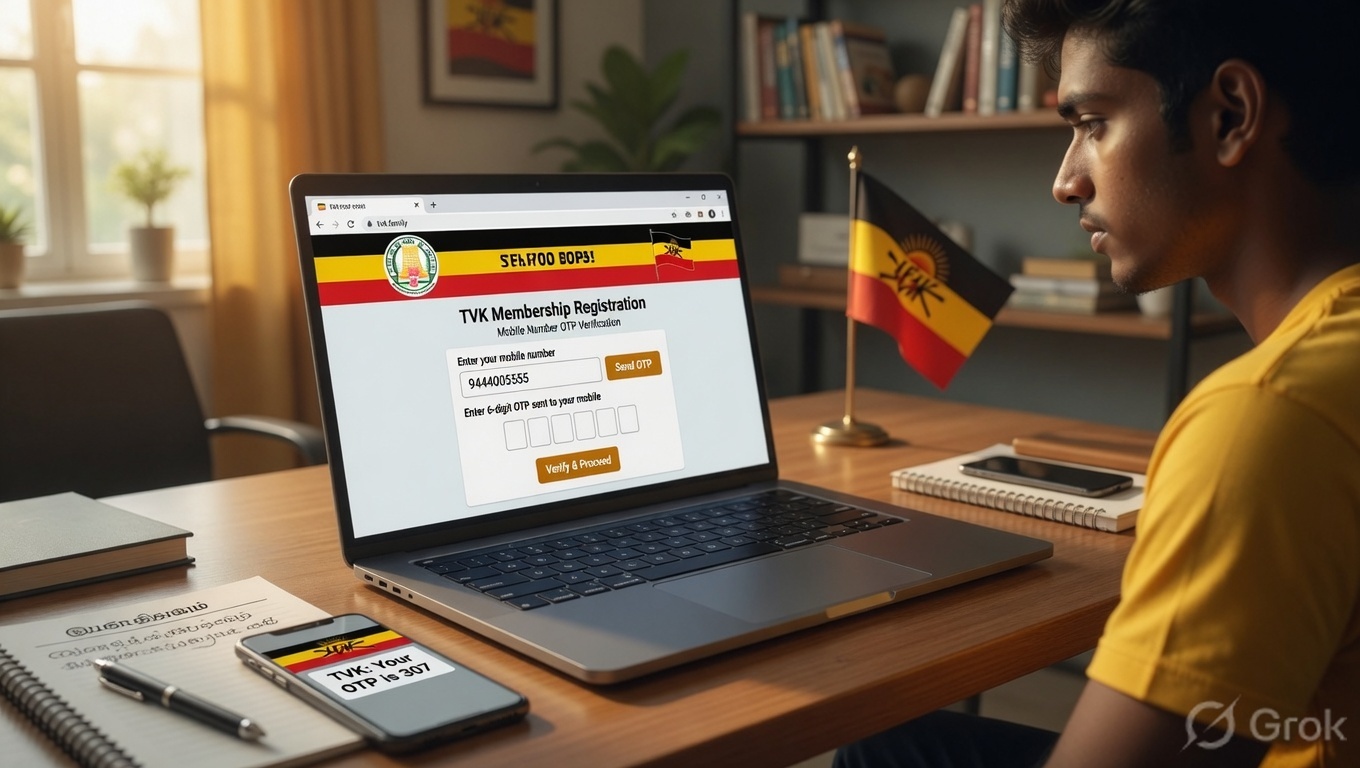
Step 1: Open tvk.family in Chrome browser
Step 2: Enter your mobile number in the chat box → click Send
Step 3: Enter OTP received on your mobile
Step 4: Enter your Voter ID number (EPIC number)
Step 5: Upload your photo — passport style, clear face
Step 6: Submit → membership confirmed → card generated
Step 7: Download card PDF from the website
Method 3: WhatsApp
Simplest method — no app download needed.
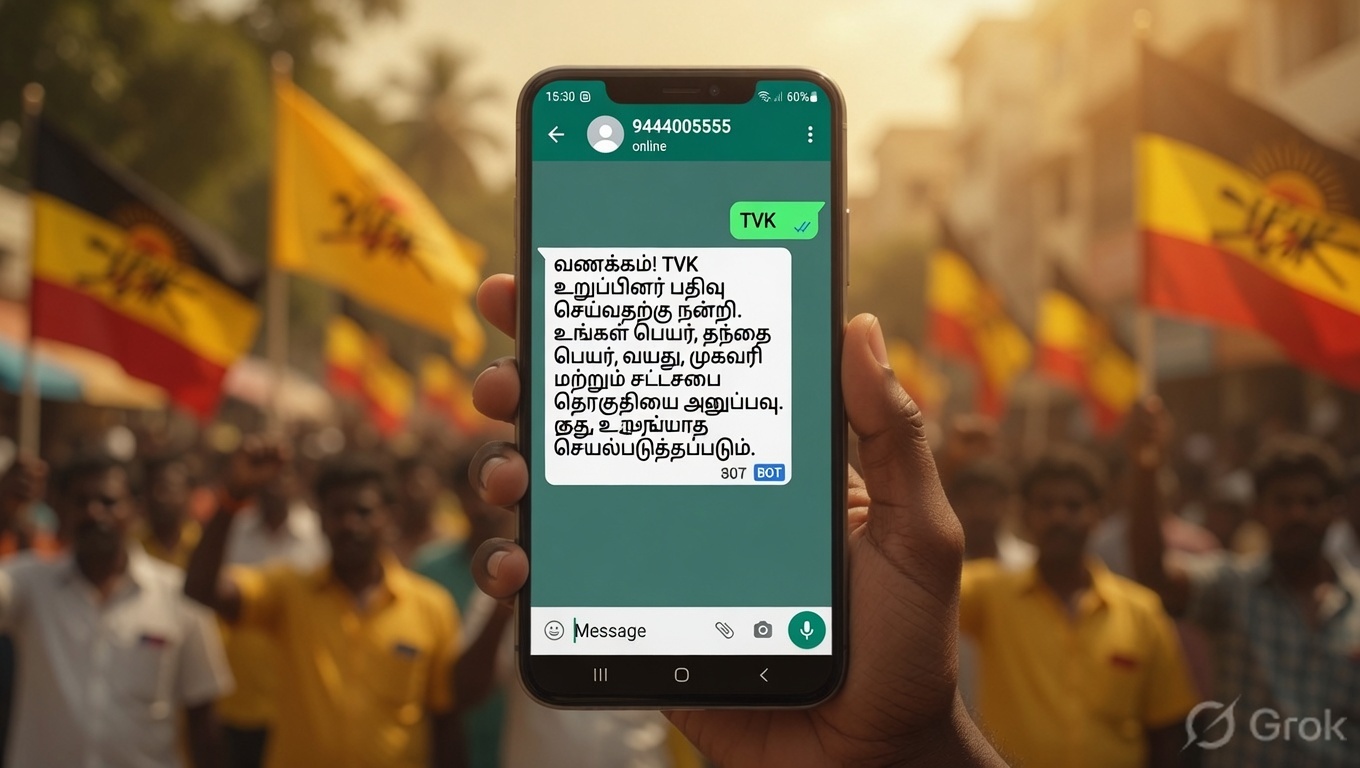
Step 1: Save this number: +91 9444005555
Step 2: Send a WhatsApp message: “TVK”
Step 3: You will receive a welcome message from Tamilaga Vettri Kazhagam
Step 4: Select Tamil as your language
Step 5: Enter your Voter ID number
Step 6: Your details — name, booth number, district, state — will be shown. Verify them.
Step 7: Reply “Yes OK” to confirm
Step 8: You will be prompted to send a digital photo
Step 9: Send your photo → membership finalized → digital card received on WhatsApp
Method 4: Telegram
Step 1: Open Telegram → search for official TVK membership bot
Step 2: Start the bot → follow the steps (same as WhatsApp method)
Step 3: Provide mobile number, OTP, Voter ID, photo
Step 4: Card generated and sent via Telegram
Membership Card Download
Already registered but need to download your card?
Via My TVK App: My TVK App → Login with mobile number → OTP → Dashboard → “Download Card” → PDF saves to your phone
Via tvk.family website: tvk.family → enter mobile number → OTP → your profile → Download Card
Card contains:
- Your full name
- TVK membership ID number
- District and Assembly Constituency
- Booth number
- Your photo
- QR code for verification
- Date of membership
Status Check
Want to check if your membership is active or verify your card details?
My TVK App: Login → Dashboard → your membership status and card details visible
If your card shows wrong details: My TVK App → Profile → Edit → update ward/address → Save (Note: Constituency and district are auto-filled from Voter ID — to change these, update your Voter ID first at voterportal.eci.gov.in)
TVK Family Membership
“TVK Family” is what all TVK members are called collectively — you become part of the TVK Family when you register.
Each person registers separately — there is no single “family card” for a household. Each eligible member (18+ years, Tamil Nadu/South India) registers individually.
TVK Family benefits:
- Official party membership card as identity
- Notifications about party events and meetings in your constituency
- Access to local TVK booth committee information
- Part of the party’s 2 crore member network
Common Errors + Fixes
Error: “OTP not received” Fix: Check network signal. Wait 2 minutes. Try resend OTP. Ensure mobile number is active and can receive SMS.
Error: “Voter ID not found” Fix: Enter your EPIC number correctly — it is printed on your Voter ID card (format: alphabets + numbers). Check voterportal.eci.gov.in to verify your EPIC number.
Error: “Photo not uploading” Fix: Photo must be clear, face visible, good lighting. File size should be under 2MB. Try taking a fresh selfie in the app instead of uploading from gallery.
Error: “Wrong address/ward on card” Fix: TVK uses your Voter ID’s registered address. If you moved recently and updated Voter ID, wait 2–3 weeks for data sync. Or update manually in My TVK app profile.
Error: “App not working / crashing” Fix: Update app to latest version from Play Store. Clear app cache. Reinstall if needed. Or use tvk.family website instead.
Error: “I registered but no card received” Fix: Open My TVK app → login → check dashboard. Card is available for download there — it may not have been sent automatically via WhatsApp after app registration.
FAQs
TVK membership card kaise download karein? (TVK உறுப்பினர் அட்டை எப்படி பதிவிறக்குவது?) My TVK App download karein → login karein → Dashboard → Download Card. Ya tvk.family website par login karein → card download karein.
TVK membership ke liye kya chahiye? Active mobile number + Voter ID (EPIC number) + photo/selfie. Aapki age 18+ honi chahiye. Tamil Nadu ya South India ka resident hona chahiye. Registration bilkul free hai.
TVK ka WhatsApp number kya hai? +91 9444005555 — “TVK” bhejo, process shuru ho jayega.
Kya Voter ID mandatory hai? Voter ID highly recommended hai — isse aapki constituency aur booth auto-detect hoti hai. Bina Voter ID ke bhi register kar sakte hain par manually district/area select karna padega.
TVK membership card valid hai kya government offices mein? TVK membership card party ka identity card hai — government ID nahi. Government services ke liye Aadhaar, Voter ID ya PAN use karein.
TVK mein kaun join kar sakta hai? 18+ age, Tamil Nadu ya South India ka resident. Maharashtra, Delhi ya doosre states ke log bhi join kar sakte hain agar unka connection Tamil Nadu se hai.
Already registered hun par card nahi mila — kya karein? My TVK App mein login karein → Dashboard → Download Card option check karein. App ke through card manually download hota hai.
Official Links
| Purpose | Link / Contact |
|---|---|
| TVK Official Website | tvkvijay.com |
| Membership Portal | tvk.family |
| My TVK App (Android) | Google Play Store → “My TVK” |
| My TVK App (iOS) | App Store → “My TVK” |
| WhatsApp Registration | Send “TVK” to 9444005555 |
Selvam’s card still shows his original 2024 membership date — which is now his proof that he was an early member of Tamil Nadu’s ruling party.
Whether you joined in 2024 or are registering now — download your TVK membership card today via the My TVK app or tvk.family.
👉 tvk.family | WhatsApp: 9444005555
This article is for informational purposes only. For official TVK membership information, visit tvkvijay.com or tvk.family.
முதல்அமைச்சராக பதவி ஏற்ற திரு ஜோசப், விஜய் அவர் களுக்கு வணக்கம்.எனக்கு உங்கள் நிர்வாகம் மேல் எனக்கு அதிகம் பற்றுதல் இருக்கிறது.
[email protected]